Using AssureSwarm · Guide
Working a Step
A step is where the work actually happens: instructions, forms, evidence, approvals, and decisions. Scroll, and watch one move from pending to done in the real product.
- Find
- Work
- Review
- Approve
- Evidence
Scroll
Find your work
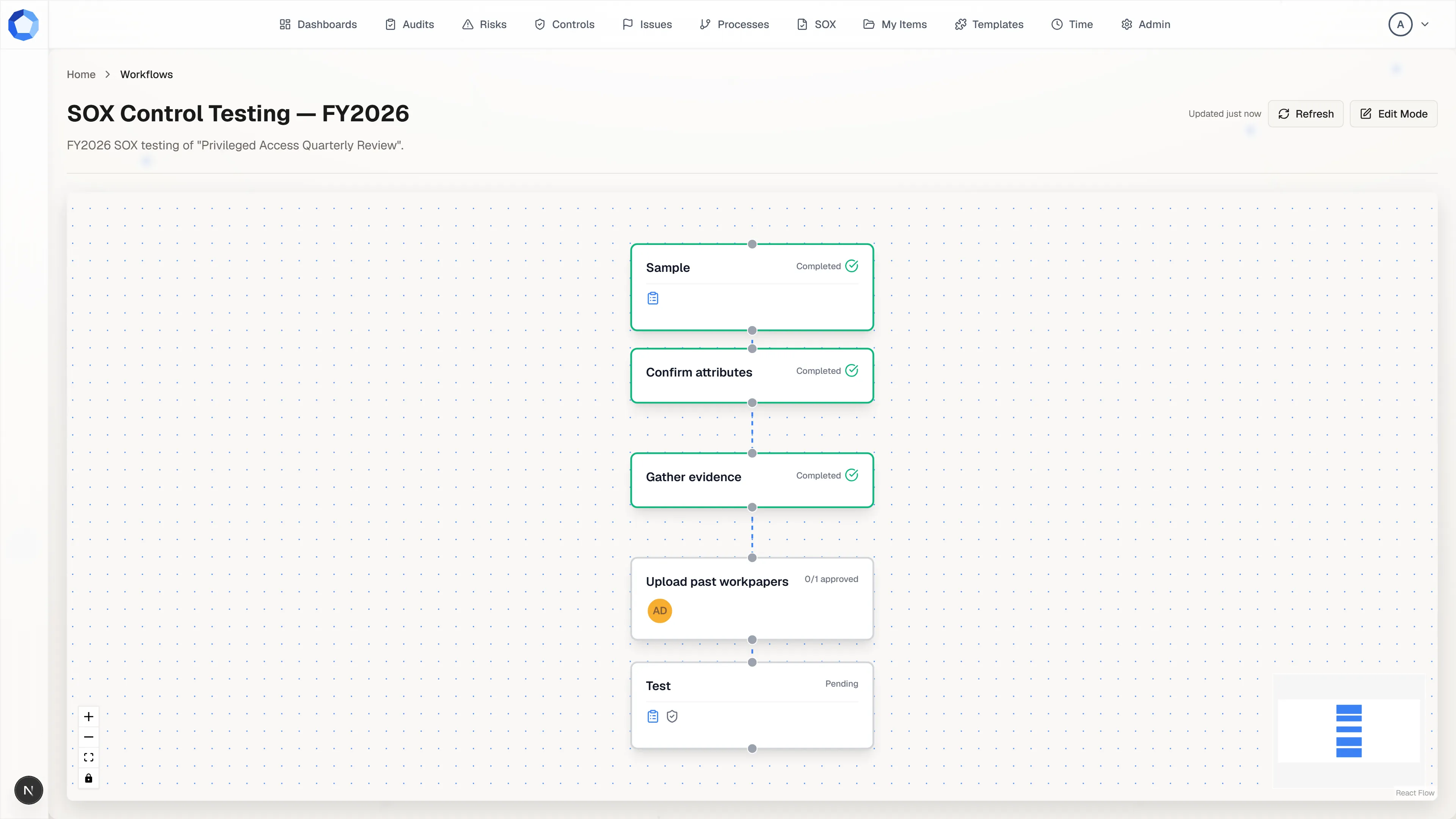
Section titled “Find your work”Steps waiting on you show up in a few places: the workflow view on the item the step belongs to, dashboards that track due or overdue work, and your own approval and form queues.
There’s no single “assignee”: you’re involved either as an approver (you sign off on the step) or a form respondent (you answer a form attached to it). See Workflows for how steps, approvals, and forms fit together.
Do the work
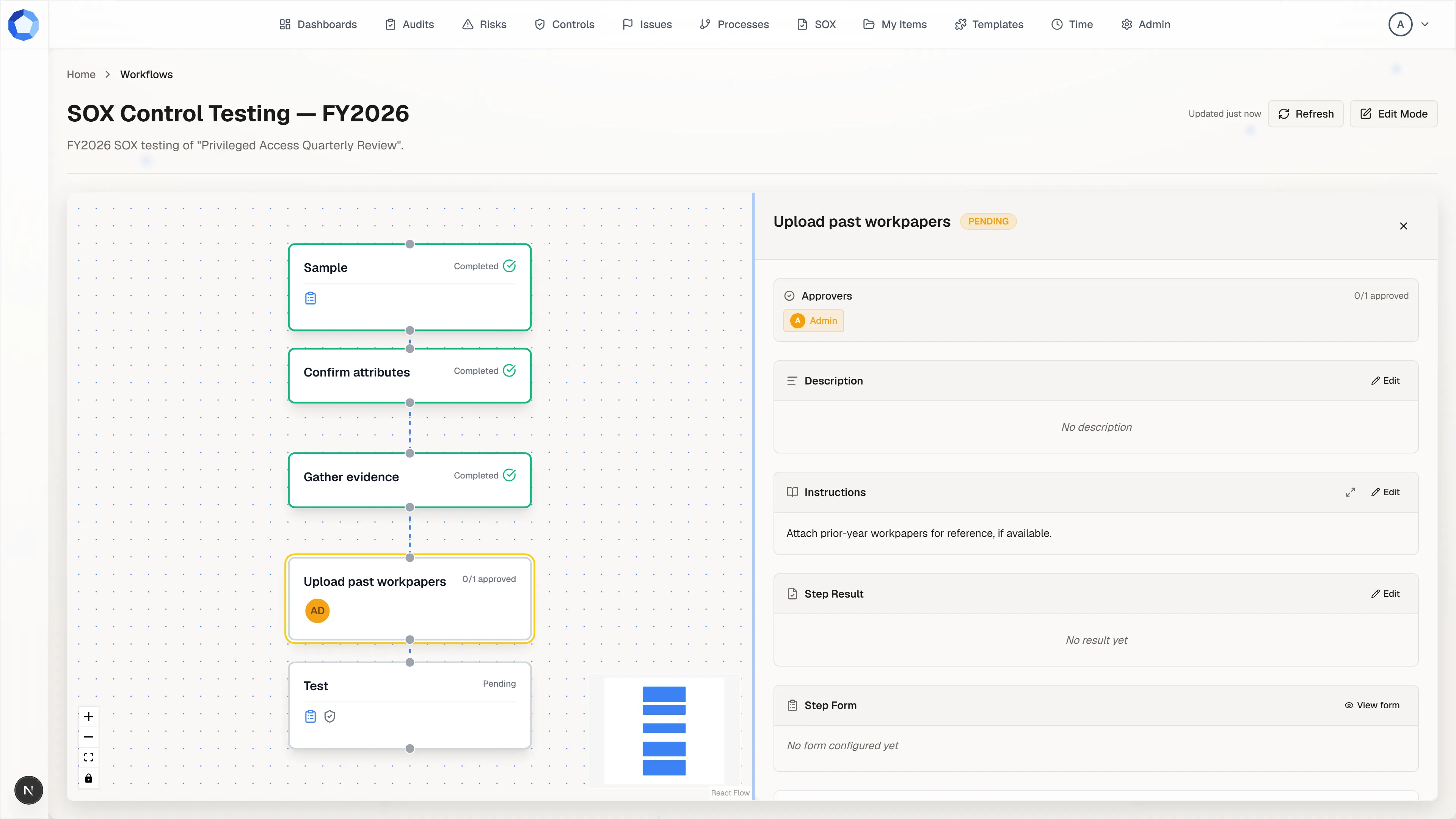
Section titled “Do the work”Open the workflow and select the step. Read its description and instructions, and check the due date. Then produce the outcome: depending on how the step is set up, that means writing a result (Markdown is supported), completing the step’s form, attaching documents, or a combination of these.
Approvals and review levels
Section titled “Approvals and review levels”Approvers sign off on a step, and review levels sequence that sign-off:
level 1 must clear before level 2 is asked to decide, and so on. A step’s
status is derived from its approvals: PENDING (none yet),
IN_PROGRESS (some but not all), COMPLETED (all required approvals met).
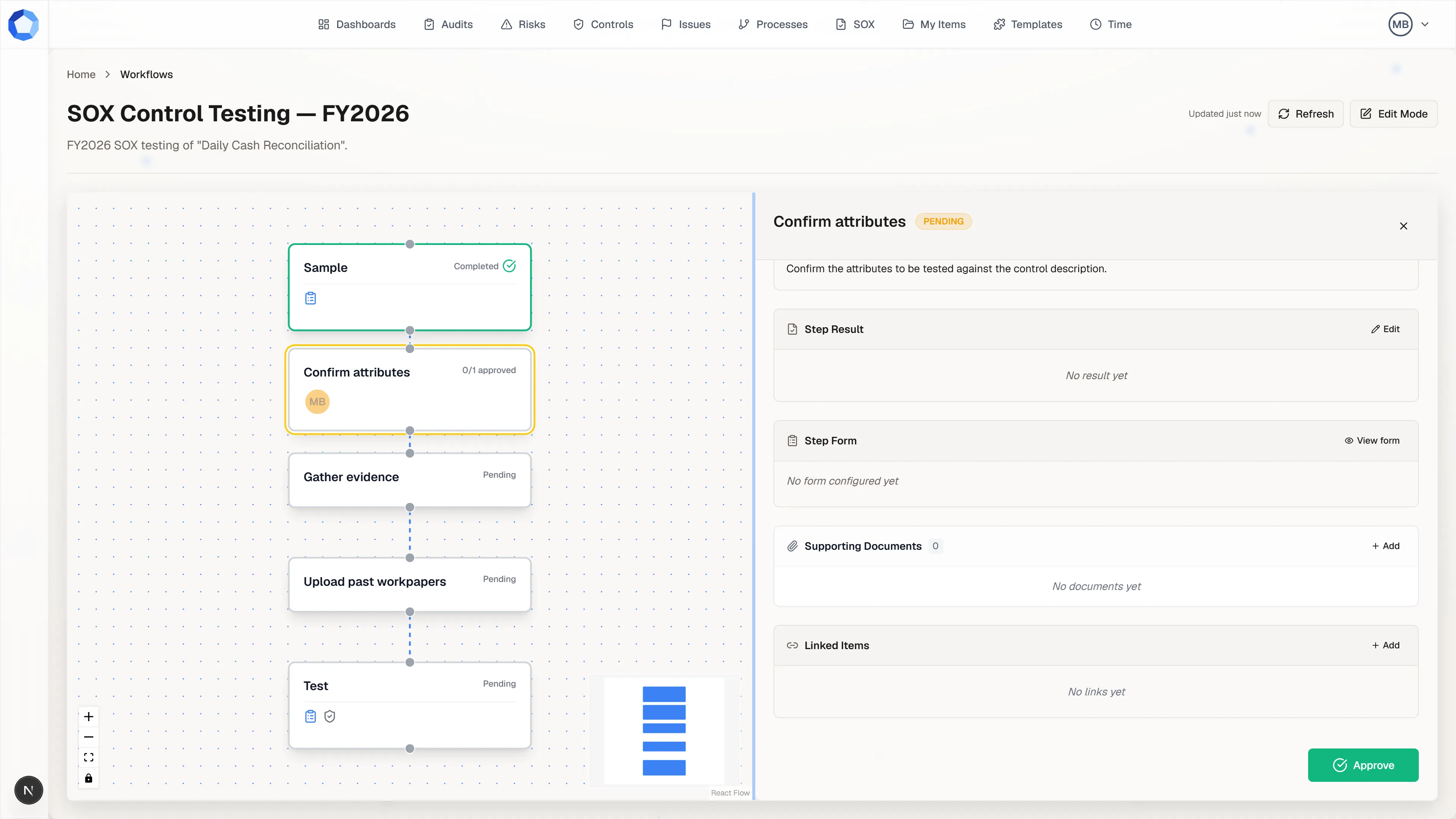
If you can’t approve a step, either you’re not listed as an approver on it, or an earlier review level hasn’t finished yet.
Approve, or reject with comments
Section titled “Approve, or reject with comments”When the work is in place, approve the step, or reject it with comments explaining what needs to change. Some steps are decision points: the outcome you record selects which branch the workflow continues on, and steps on a branch that wasn’t taken may be pruned from that run.
Documents on steps
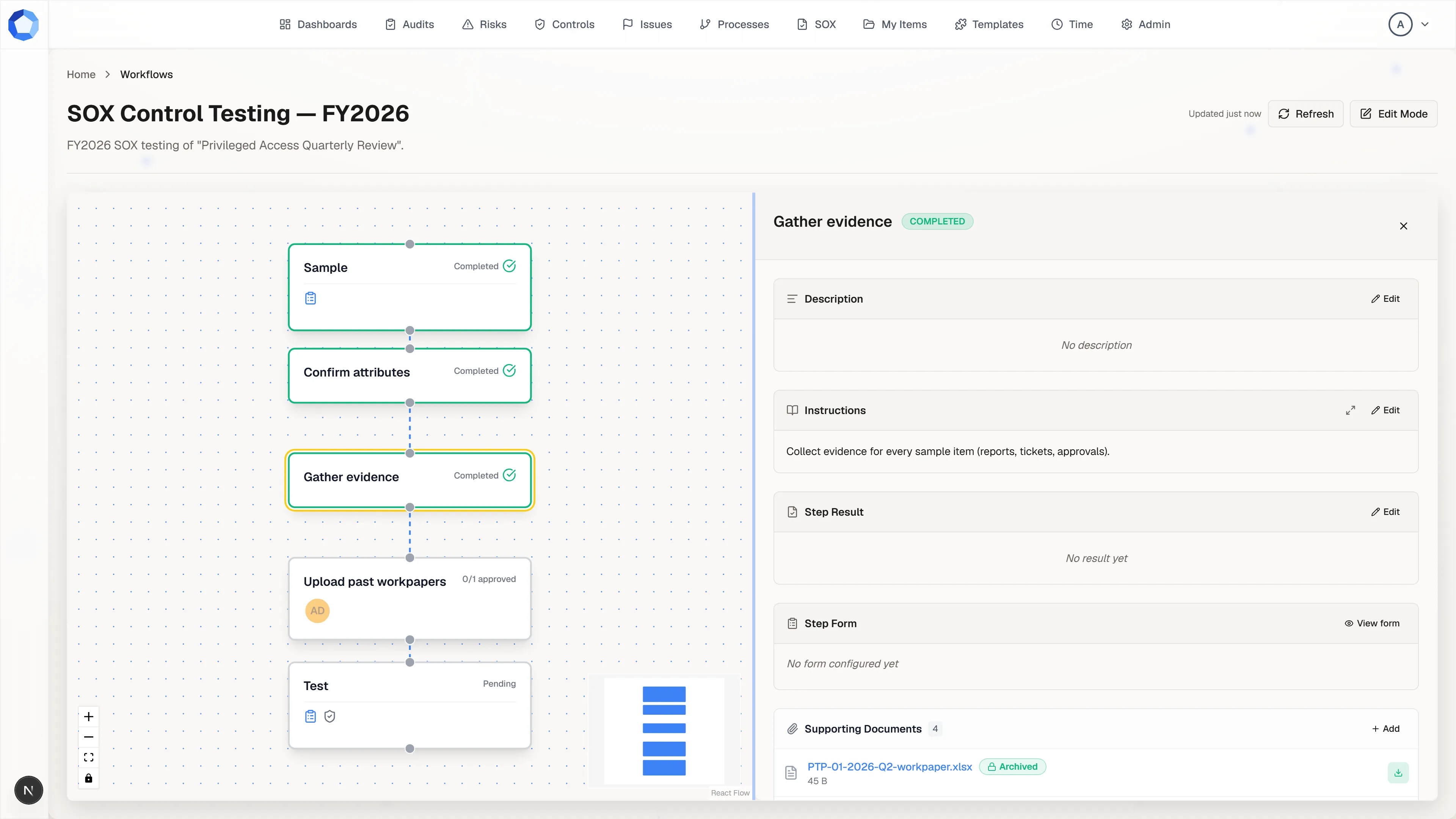
Section titled “Documents on steps”Attach evidence, files or links, where a step asks for it. Uploads validate before they count toward the step; if an upload is rejected, re-upload it rather than assuming it went through. See Documents for more.